QuickBooks Sync, Including What Stripe Actually Took
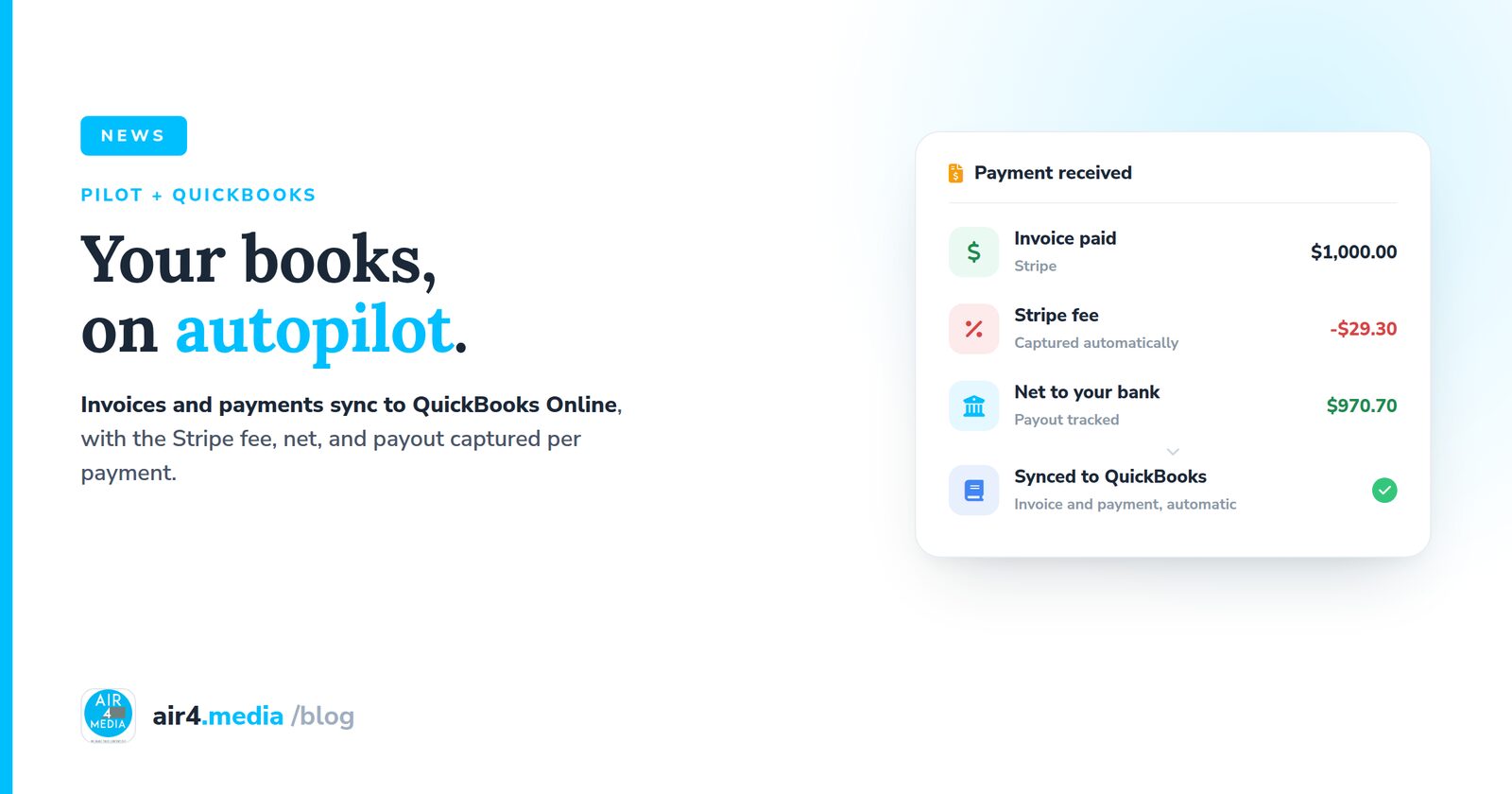
Here is the quiet problem with most invoicing tools: the invoice says $1,000, but Stripe deposits $970.70. If your books only ever see the invoice, they never quite match the bank, and every month someone has to explain the difference. Pilot closes that gap.
The sync, automatic
Invoices and payments in Pilot flow to QuickBooks Online on their own. Record a payment, or have Stripe record it for you, and it is queued, pushed, and matched to the right invoice in your books. No exports, no re-keying, no end-of-month catch-up session.
The part that usually gets lost
When a client pays through Stripe, Pilot captures the fee, the net, and the payout on the payment itself. Your records reflect what actually landed in your account, not just what the invoice said. That difference, a few dollars on every payment, is exactly the part reconciliation choked on.
The bigger picture
Client platforms like Dubsado, HoneyBook, 17hats, or Tave (now VSCO Workspace) handle the client side of the business, and plenty of people run them well. Pilot plays a different game: the same platform that syncs your books also answers your phone, runs your website and galleries, publishes to every channel including your Google Business Profile, and sells your event tickets with 0 percent platform fees. That is what we mean by a business operating system: not a better slice, the whole loop.
The money trail, from invoice to payout to your books, now runs itself.
No comments yet. Be the first to share your thoughts!