Clients Book You Online. Pilot Does the Rest.
You know the drill with Calendly: send a link, the client picks a time, it lands on a calendar. Pilot has that built in, and then it keeps going, because in Pilot a booking is not just a calendar event. It is a client.
One link, and you are booked
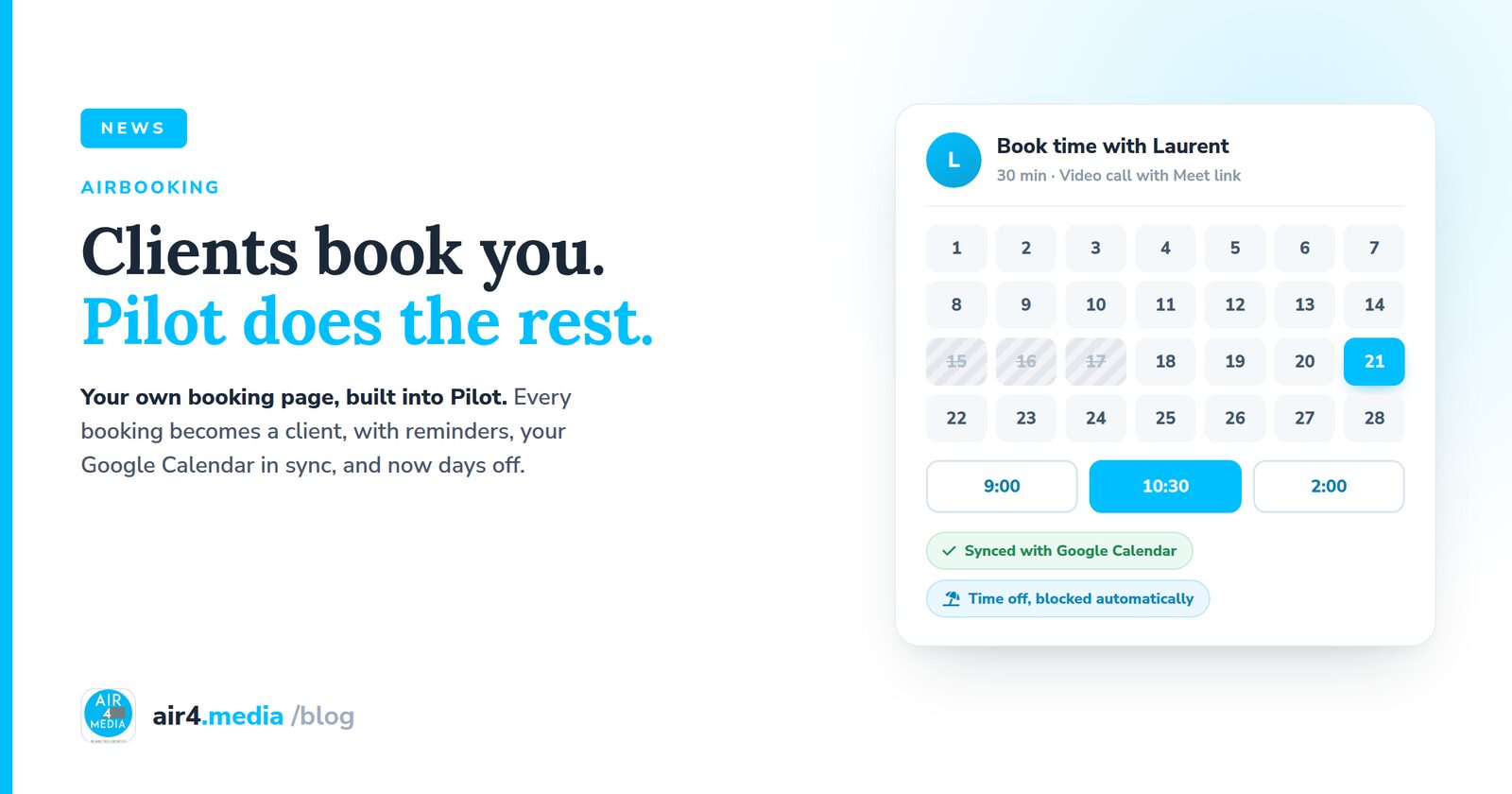
Every person on Pilot gets their own booking page. Mine is live at air4.media/book/laurent, and you are welcome to try it. Your client picks a day and a time, chooses the location if you offer more than one, and gets a proper confirmation with a calendar invite. Video calls come with a Google Meet link automatically. They can reschedule from the email, and they get a reminder by email or text before the meeting, they even choose which when they book.
A booking becomes a client
This is the part no standalone scheduler does. The moment someone books you, Pilot creates the contact, adds them as a lead in your pipeline, and if they booked with a business email, it recognizes their company too. Nothing to copy over, no "who was that again." The follow-up starts itself.
Your Google Calendar, in sync
Connect your Google Calendar and pick which calendar Pilot should use. Bookings land there with a real Google invite for your client. And because Pilot sees your calendar, anything already on it blocks those time slots, so nobody can double-book you.
New: take a day off
The newest piece, fresh this week: a Time Off button on your calendar. Block a single day or a whole stretch, add a private note about why if you like. Your booking page simply shows those days as unavailable, your reason stays yours, and anything already scheduled stays untouched. Going to the desert for three days? Two clicks, and nobody can book you until you are back.
It is all part of Pilot: the booking, the client, the reminder, the calendar, and the invoice that follows, in one place. See it at air4.media, or just book me and watch it work.
No comments yet. Be the first to share your thoughts!