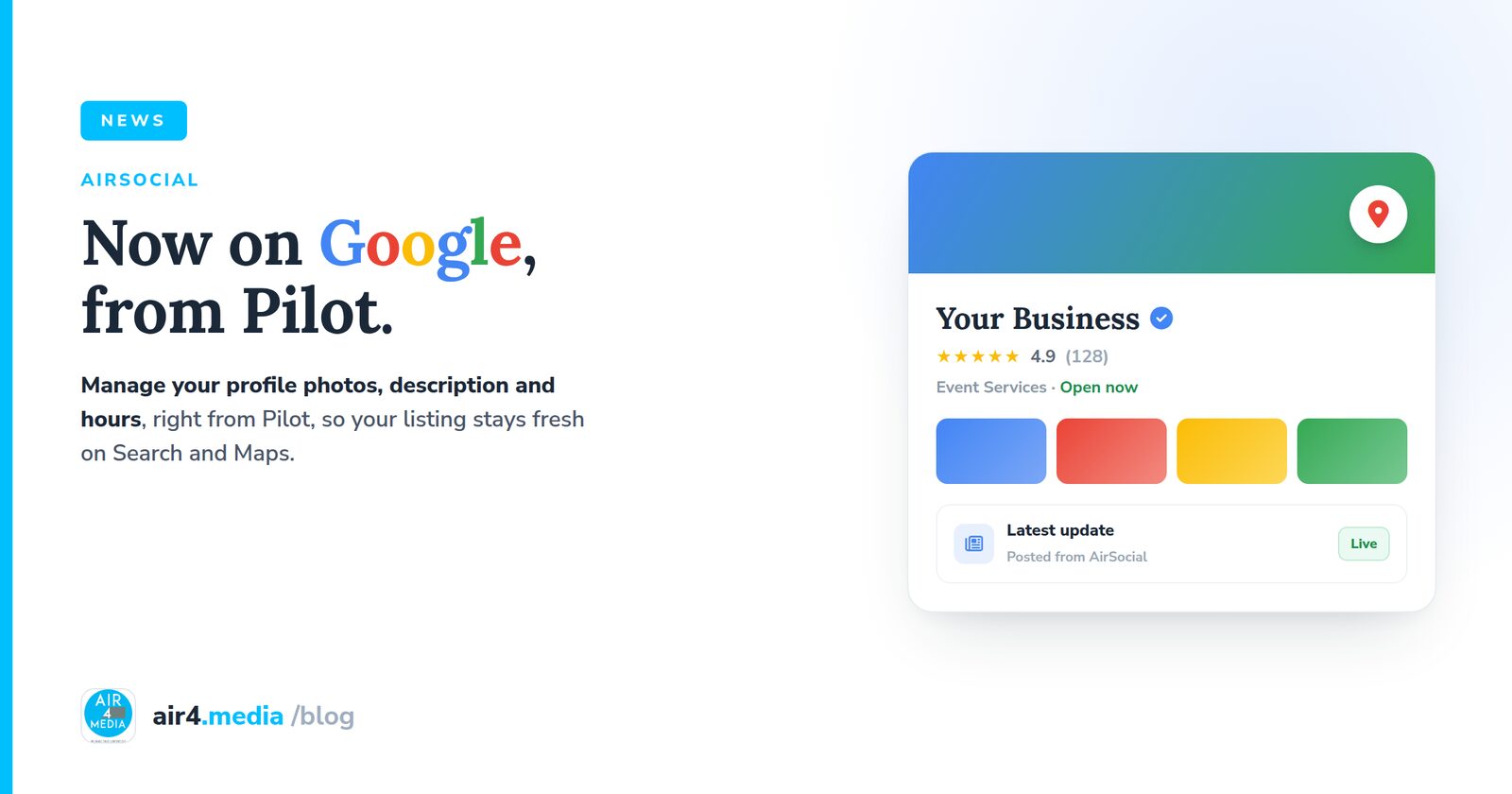
Manage Your Google Business Profile from Pilot
The last big channel is here. AirSocial now connects to your Google Business Profile, the listing people see when they search for you on Google or find you on Maps, and lets you manage it without leaving Pilot.
Your profile, from one place
See every photo on your listing and clear out the stale ones. Edit your description and your opening hours. It all lives in the AirSocial Business Profile tab, right next to the channels you already publish to.
Coachella Party, already on it
Take Coachella Party, whose new site we recently launched on Pilot. They now manage their Google Business Profile from the same dashboard: reviewing the photos on their listing and keeping their hours and description current, all in one place.
Why it matters
Social builds an audience. Your Business Profile catches people at the moment of intent: the local search, the map pin, the "open now." A listing that is current, right hours, right description, clean photos, is the one that gets chosen.
What you can do today
Review and remove profile photos, and update your description and opening hours. Your name, phone, and website stay protected, editing the name can trigger Google re-verification, and more profile controls are on the way.
No comments yet. Be the first to share your thoughts!