Onboarding
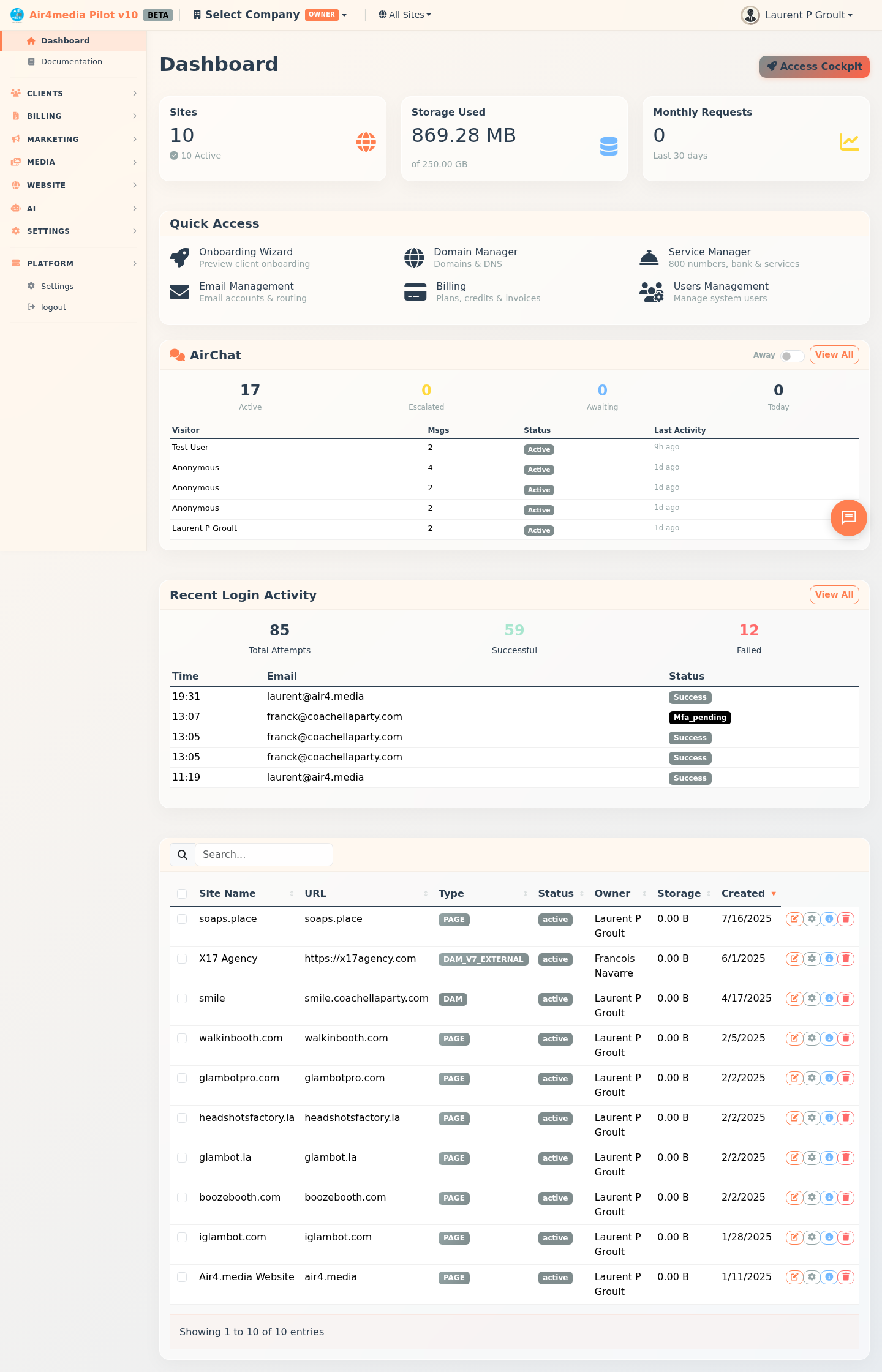
The onboarding wizard gets your business set up on Air4.media in about 2 minutes. A 3-step progress bar guides you through Your Business, Pick a Plan, and Get Started — then you land on your dashboard ready to go.
Key Features
- 3-step wizard: Progress bar keeps you oriented — Your Business, Pick a Plan, and Get Started
- Live subdomain preview: As you type your business name, your free site address (e.g.
acme-creative.air4.media) appears in real time - Industry selection: Choose from Photo Booth, Photography, Videography, Events & Entertainment, Creative Agency, Real Estate, E-Commerce, Consulting, and more
- Brand setup: Expand "Brand your business" to upload a logo (PNG, JPG, SVG, WebP — drag-and-drop or click, max 5 MB) and pick from 8 brand color presets or a custom color picker
- All features included: Every plan comes with CRM, email marketing, AI tools, media, website builder, and more — plans differ by scale (users, storage, contacts, emails, AI credits per month)
- Intro offer: New accounts get 50% off for the first 2 months on qualifying paid plans
- Beta Program: New users are offered free beta access on step 3 — full platform access, no credit card required
- Secure payment: If you choose a paid plan, card details go through Stripe and are never stored on Air4.media servers
- Startup Package: A one-time add-on (shown on the plan step) where the Air4.media team sets everything up for you
- Instant activation: Your account, starter website, and CRM pipeline are live the moment setup completes
How to Use
- Enter your business name — your free subdomain appears as you type (e.g.
acme-creative.air4.media) - Optionally select your industry and enter your existing website URL
- Expand Brand your business to upload a logo and choose a brand color
- Click Continue to reach plan selection
- Toggle Monthly or Annual billing (annual saves ~17%), then click a plan card to select it
- Optionally, click Learn More on the Startup Package if you'd like the team to handle your full setup
- Click Continue — new users see a Beta Program offer: click Join the Beta — It's Free for full access with no card, or No thanks, I'll subscribe to proceed with payment
- On the payment screen, review the order summary (plan price, any intro discount, signup AI credits), enter your card details, check the authorization box, and click Launch My Business
- Your account is created instantly — a confirmation screen shows your company name, site URL, and plan, then click Go to Dashboard
Tips
- Annual billing saves approximately 17% compared to paying month to month
- The 50% intro offer appears automatically on qualifying plans in the order summary
- Beta access gives you the full platform for free — no credit card required
- Your CRM pipeline comes pre-configured with 6 stages: New Lead, Contacted, Qualified, Proposed, Won, and Lost
- Logo and brand color can be updated anytime from Company Settings
- You can add more companies to your account by running the wizard again from your dashboard
- A welcome email with your account summary is sent automatically after setup completes