AirLink — URL Shortener
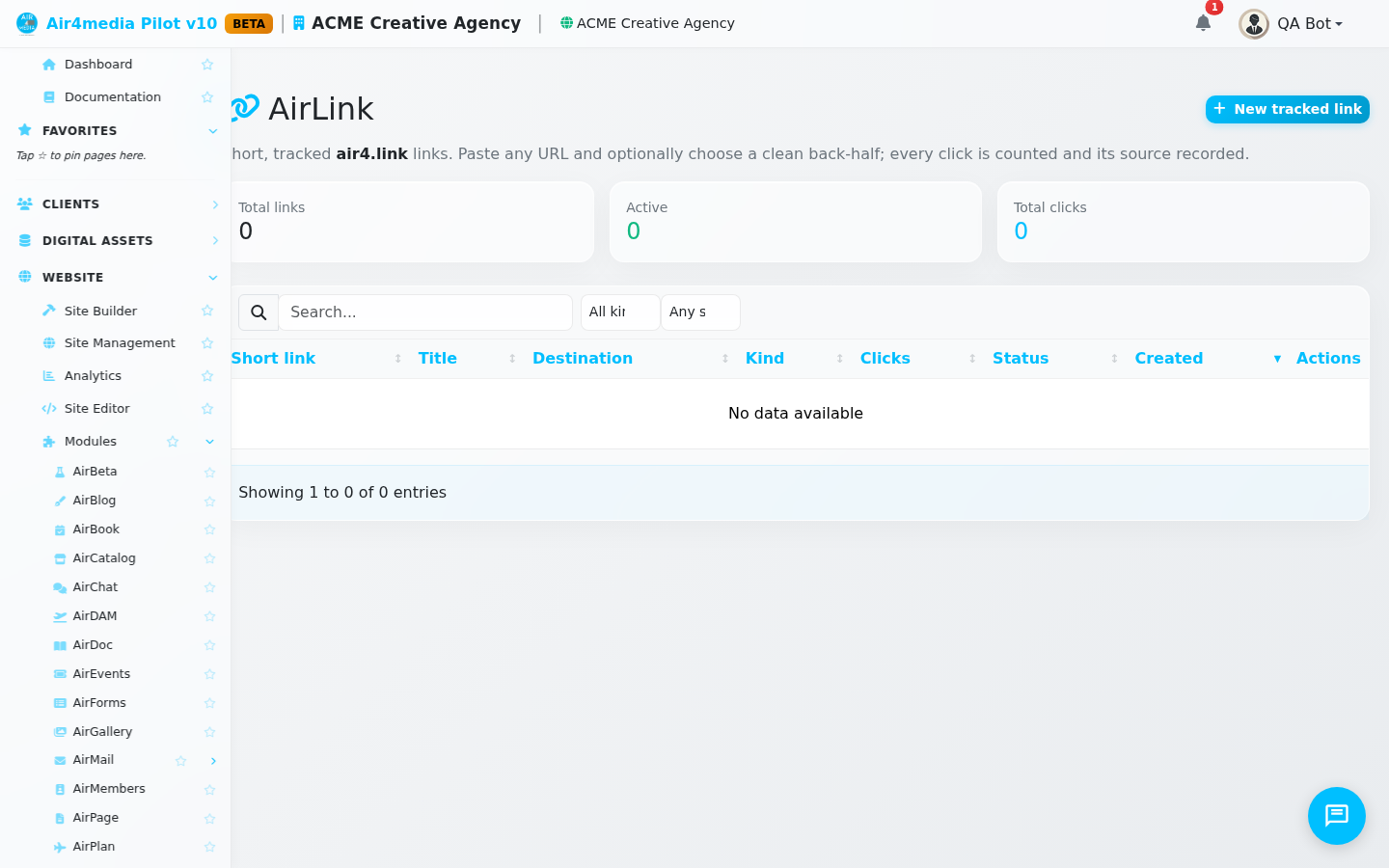
AirLink turns any long URL into a clean, trackable short link at air4.link. Whether you're sharing client proposals, media galleries, or campaign pages, every link is scoped to your account and tracks every click automatically.
Key Features
- Short links at air4.link: Every link gets a unique address like
air4.link/abc12345, ready to share by email, text, or social media. - Click tracking: See exactly how many times each link has been clicked. Your dashboard shows total links, active links, and a running click count across all your links.
- Custom back-half: Instead of a random code, choose a memorable slug — for example,
air4.link/acme-proposalorair4.link/summer-campaign. - Story links: When ACME Creative Agency publishes a media story through AirDAM, a short link is created automatically — no extra steps needed.
- Enable or disable: Pause any link instantly without deleting it. Disabled links stop working and can be re-enabled at any time.
- Filter and search: Filter by type (manual or story) and by status (active or disabled). Search by title or destination URL.
How to Use
Creating a short link:
- Click + New Link to open the create panel.
- Paste the destination URL — the full address you want the short link to point to.
- Optionally add a title to help identify the link in your list (e.g., "Cannes Proposal — June 2026").
- Optionally enter a custom back-half (e.g.,
summer-proposal) to create a memorable URL. Leave it blank for a random code. - Click Create Link. Your new short URL appears immediately in the list.
Using your links:
- Click Copy on any row to copy the short URL to your clipboard.
- Click Open to preview the destination in a new tab.
- Click Toggle to enable or disable the link without deleting it.
Finding links:
- Use the search bar to find links by title or destination.
- Use the Kind filter to show only manual links or only auto-created story links.
- Use the Status filter to show only active or only disabled links.
Tips
- Use descriptive titles — when ACME Creative Agency has dozens of links, a label like "Cannes 2026 Proposal" makes it far easier to find the right one at a glance.
- Custom slugs are great for links you share in print or presentations — short and memorable beats random characters every time.
- Disabled links are preserved with their full click history intact. Re-enable them whenever you need them again.
- Story links are created automatically when you share a DAM story — check AirLink to see how many times clients have opened each one.