Logout
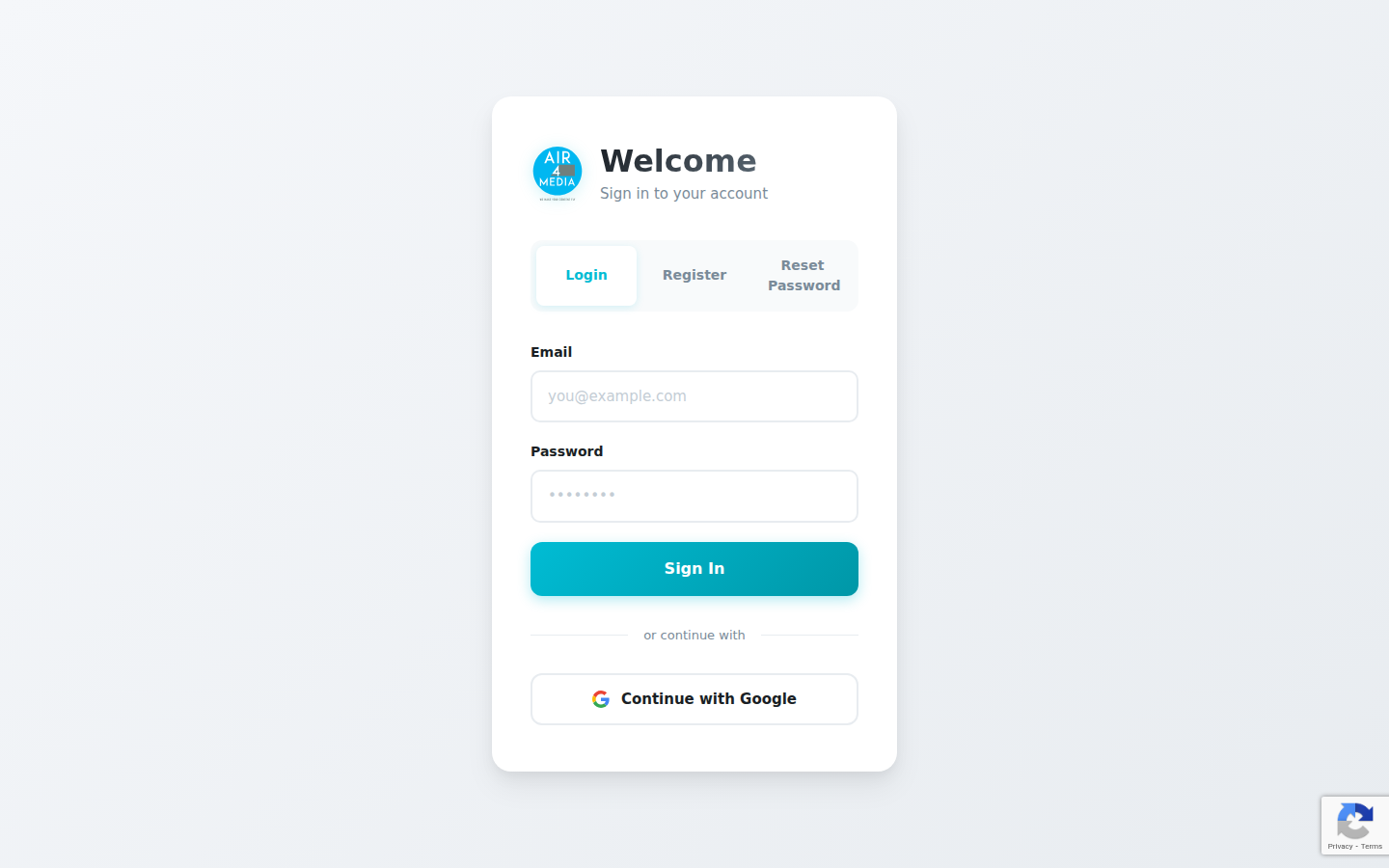
Securely ends your current session and returns you to the login page instantly.
Key Features
- Session Termination: Completely clears your active session so no one else can access your ACME Creative Agency account from the same browser.
- MFA Cookie Removal: If you use two-factor authentication, any saved verification tokens are also cleared on logout.
- Automatic Redirect: After logging out, you are immediately taken back to the login page — no confirmation screen, no delay.
How to Use
- Click the Logout option in the sidebar or navigation menu.
- Your session is ended instantly and all session data is cleared.
- You are redirected to the login page automatically.
Tips
- Always log out when using a shared or public computer to keep your ACME Creative Agency account secure.
- Closing the browser tab does not log you out — use the Logout option to fully end your session.
- If you use two-factor authentication, logging out also clears your saved verification, so you will need to verify again on your next login.